


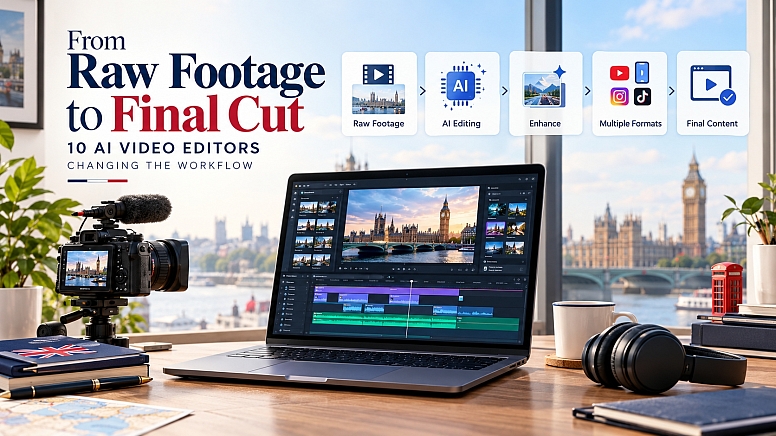
10 AI Video Generation Tools Changing the Workflow
Video editing has never been only about cutting clips together. For modern creators, the editing process can involve everything from finding the strongest moments in hours of footage to adding captions, cleaning audio, creating vertical versions, generating supporting visuals, and preparing content for several platforms.
That workload becomes particularly demanding for solo creators and small marketing teams. A single piece of content may need to become a YouTube video, a Reel, a Short, a LinkedIn clip, and several promotional assets. AI video editing tools are beginning to reduce some of that repetitive work, allowing creators to spend more time on storytelling and creative decisions.
Filming a London travel vlog can mean capturing everything from the bustle of Oxford Street and the colourful streets of Notting Hill to riverside views of Tower Bridge and hidden corners of the capital. But turning hours of footage into an engaging video takes more than a good eye for a shot. You may need to trim clips, add subtitles, improve audio, create eye-catching transitions, and resize your video for YouTube, Instagram Reels, and TikTok.
That’s where AI video generation and editing tools can help, making it easier to turn raw London adventures into polished travel content. Whether you’re documenting a weekend in the city or creating a guide to Britain’s best attractions, these 10 AI video tools can help streamline your workflow from the first recording to the final cut.
The tools below approach AI-assisted video production in different ways. Some focus on creating social-first content, some accelerate traditional editing, while others specialize in repurposing, generative video, or post-production.
1. Predis.ai - From an Idea to Social-Ready Video Content
For many creators, the editing problem begins before there is even footage to edit. A campaign or content idea may need to become a short video, carousel, social post, advertisement, and several variations for different platforms.

Predis.ai approaches this part of the workflow by combining AI-assisted content creation with social media production and publishing. Users can start with an idea, product, URL, or other input and develop different types of social content, including videos, posts, carousels, captions, and advertising creatives. The platform also includes brand customization, scheduling, publishing, and competitor-analysis capabilities.
That makes it particularly relevant to creators and marketers who aren't simply editing existing footage but are building social content from an idea. Instead of treating every format as a separate production project, the same underlying concept can be developed into multiple assets.
For a solo creator, that can be useful when the real challenge is not making one video but consistently turning ideas into content across several channels.
Best suited for: Social Media Post Maker, influencers, marketers, small businesses, and teams producing multiple content formats.
Where it stands out: It connects content creation, customization, and publishing rather than focusing exclusively on traditional timeline editing.
2. Descript - Editing Video Through the Transcript
Traditional video editing requires navigating a timeline to find the exact point where something needs to be removed. Descript takes a different approach by making the transcript a central part of the editing experience.
Once a video is transcribed, creators can work with the spoken content almost like a document. Removing a sentence from the transcript can remove the corresponding portion of the video, which can make editing interviews, podcasts, tutorials, webinars, and talking-head recordings much faster.
The platform also includes AI-assisted features for tasks such as removing filler words and improving audio. This makes it particularly useful when the spoken content is more important than elaborate visual effects.
Best suited for: Podcasters, educators, interview creators, and talking-head YouTubers.
Where it stands out: It makes editing spoken-word content feel closer to editing text than working through a traditional timeline.
3. CapCut - Fast Editing for Short-Form Content
Short-form video has created a different kind of editing challenge. Creators often need to record, edit, caption, resize, and publish content quickly while a topic is still relevant.
CapCut is designed around this faster style of production. Alongside conventional editing tools, it provides AI-assisted features for captions, background removal, effects, templates, audio, and other repetitive editing tasks.
For creators producing TikToks, Instagram Reels, YouTube Shorts, and similar content, the main advantage is speed. The platform makes it possible to handle many common social-video tasks without building a complicated professional post-production workflow.
Best suited for: Influencers, short-form creators, social media teams, and mobile-first video producers.
Where it stands out: It keeps many common short-form editing tasks inside a relatively accessible workflow.
4. Runway - When Editing Becomes Generative
Most editing software starts with existing footage. Runway represents a different direction, where AI can become part of the actual visual creation process.

Its generative video capabilities allow creators to experiment with scenes, visual transformations, and footage that may be difficult to capture through conventional production. That can be useful for filmmakers and creators who want to explore an idea before committing resources to filming it traditionally.
The distinction between “editing” and “creating” becomes less obvious here. A creator can begin with existing footage, generate new elements, modify scenes, or experiment with visual concepts within the same broader workflow.
Best suited for: Filmmakers, visual storytellers, creative teams, and creators experimenting with generative video.
Where it stands out: It expands the editing workflow beyond existing footage into AI-assisted visual creation.
5. OpusClip - Turning Long Videos Into Short Content
Long-form creators often have plenty of footage but limited time to repurpose it.

A podcast, interview, webinar, or educational video can contain dozens of potentially useful moments. Finding those manually requires watching through the original recording and identifying sections that can stand alone.
OpusClip is built around this problem. Its AI can analyze longer videos, identify potential highlights, create shorter clips, and adapt them for short-form platforms.
The real value is that one long recording can become a source for multiple pieces of content instead of remaining a single upload.
Best suited for: Podcasters, YouTubers, interview channels, educators, and brands repurposing long-form content.
Where it stands out: It reduces the manual work involved in finding and preparing short clips from longer recordings.
6. Adobe Premiere Pro - AI Inside a Professional Editing Workflow
AI hasn't eliminated the need for professional editing software. In many production environments, detailed control over the timeline, audio, effects, color, and media remains essential.

Adobe Premiere Pro combines that traditional control with increasingly sophisticated AI-assisted features. Transcription, text-based editing, audio enhancement, object-related workflows, and other intelligent features can reduce repetitive tasks while allowing editors to maintain precise control over the final project.
This hybrid approach is important for professional editors. They don't necessarily need AI to make every creative decision. They need it to remove some of the mechanical work that gets in the way of those decisions.
Best suited for: Professional editors, agencies, filmmakers, production teams, and complex projects.
Where it stands out: It combines AI assistance with a mature professional editing environment.
7. DaVinci Resolve - AI for the Post-Production Process
DaVinci Resolve is well known for its editing, color grading, visual effects, and audio capabilities. Its AI features add another layer to an already extensive post-production environment.
AI-assisted tools can help with areas such as transcription, object tracking, masking, audio processing, and other production tasks. For experienced editors, this means AI can accelerate parts of a familiar workflow without requiring them to move into a completely separate application.
The platform is particularly interesting for creators who need detailed control over the final visual result.
Best suited for: Professional editors, filmmakers, colorists, and creators working on complex productions.
Where it stands out: It brings AI-assisted functionality into a comprehensive editing and post-production environment.
8. Captions - Streamlining Talking-Head Videos
Talking-head content looks simple until the editing begins. A short recording can contain pauses, repeated takes, unwanted sections, audio problems, framing adjustments, and captions that need to be added before publication.
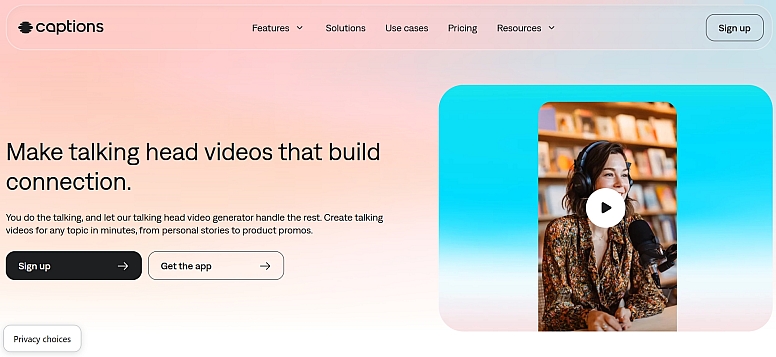
Captions focuses heavily on this type of content. Its AI-assisted tools can help creators edit, caption, and enhance videos without requiring a complex professional editing workflow.
That makes it particularly relevant to influencers, coaches, educators, and personal brands that publish frequently and need to move quickly from recording to finished content.
Best suited for: Influencers, personal brands, coaches, educators, and social-first creators.
Where it stands out: It focuses heavily on making talking-head and mobile-first content faster to produce.
9. VEED - Browser-Based AI Video Production
Not every creator wants to install a large desktop application or maintain a complicated editing setup.
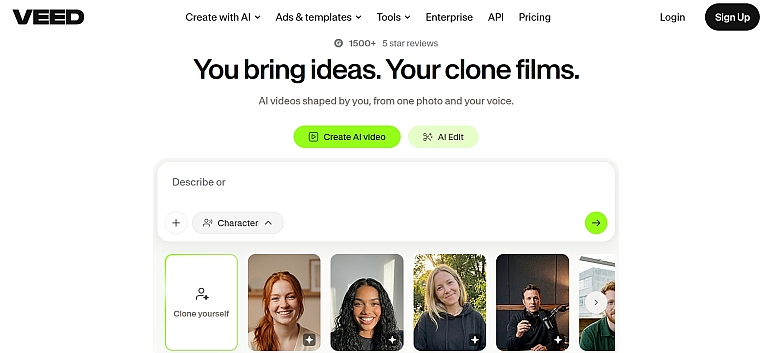
VEED takes a browser-based approach to video production, combining editing tools with AI-assisted features such as transcription, subtitles, background removal, and other content-production capabilities.
This can be useful for distributed marketing teams and creators who want to access their editing workflow from different devices without relying on a traditional desktop setup.
Best suited for: Marketers, educators, social media teams, and creators who prefer browser-based workflows.
Where it stands out: Accessibility and convenience make it useful for teams that don't need a heavyweight local editing environment.
10. Filmora - An Accessible Middle Ground
There is a significant gap between simple mobile editors and professional applications such as Premiere Pro and DaVinci Resolve.

Filmora sits somewhere in between. It provides a relatively approachable editing environment while incorporating AI-assisted capabilities for tasks such as audio enhancement, object removal, captions, text generation, and other production workflows.
For a creator who wants more control than a basic social editor but doesn't need the complexity of a professional post-production suite, that middle ground can be useful.
Best suited for: YouTubers, marketers, small businesses, students, and intermediate creators.
Where it stands out: It combines a relatively approachable interface with a growing set of AI-assisted editing capabilities.
What AI Is Actually Changing in Video Editing
The biggest change isn't that AI can now perform individual editing tasks. It is that the entire workflow is becoming more modular.
A creator might use Predis.ai to turn a campaign idea into social-ready content, Descript to refine a recorded interview, OpusClip to extract short-form moments, CapCut to finish a Reel, and Premiere Pro or DaVinci Resolve when a project requires deeper post-production.
The tools don't necessarily compete for the exact same job. They increasingly occupy different points in the production process. That distinction is important because there is no single “best” AI video editor for everyone. The right choice depends on where the workflow is actually slowing down.
If the biggest problem is creating social content from ideas, a platform such as Predis.ai may be more relevant. If it is editing spoken content, Descript can make the process considerably more intuitive. If it is producing short-form videos quickly, CapCut or Captions may be a better fit. If it is extracting clips from long recordings, OpusClip addresses a very specific problem.
And if the requirement is professional post-production, Premiere Pro and DaVinci Resolve provide much deeper control.
The Editor Is Becoming More of a Director
For years, becoming faster at video editing meant learning shortcuts, mastering timelines, organizing footage efficiently, and becoming comfortable with increasingly complex software.
AI is changing which parts of that expertise matter most.
When software can automatically transcribe footage, identify clips, generate captions, remove unwanted elements, enhance audio, or create variations, the editor has more time to think about pacing, narrative, emotion, and audience attention.
That doesn't make human editing less valuable.
It makes creative judgment more valuable.
The future of video editing may therefore be less about who can perform every repetitive operation manually and more about who can use increasingly capable tools to turn raw material into something people actually want to watch.
AI can help get the footage closer to the final cut.
The final decision about what deserves to stay still belongs to the editor.










0.6558