


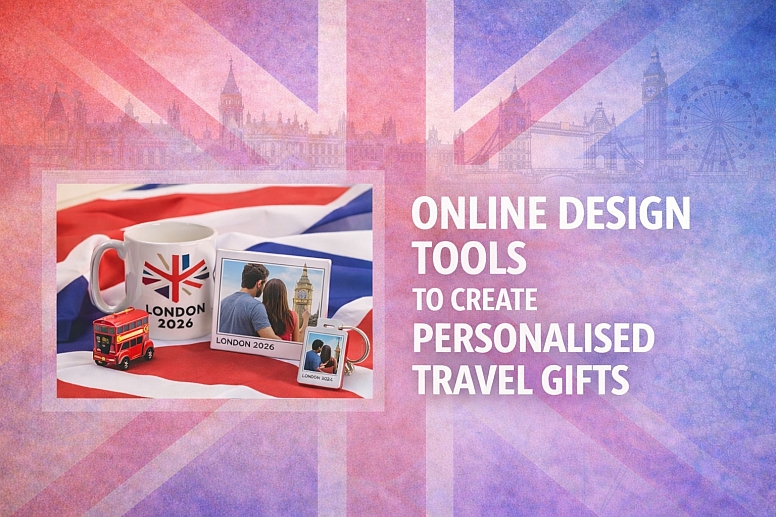
8 Online Design Tools to Create Personalised Travel Gifts
Giving a gift is better when it has a personal touch. For someone who loves to travel, a personalised gift that reminds them of a special trip can be more meaningful than something bought from a store. You do not need to be a professional designer to create these gifts.
Several online tools make it simple. You can add photos, dates, names, and maps to create unique items. These tools have templates to start from, so you only need to add your own details.
Options for Different Kinds of Projects
- Canva: Best for complete beginners; has templates for almost every gift idea.
- Moo: Specialises in high-quality printed products like custom stamps and postcards.
- Snapfish: Focuses on photo gifts like books, calendars, and mugs with travel themes.
- Shutterfly: Similar to Snapfish, with a strong focus on photo books and home décor.
- Zazzle: A massive marketplace for creating or buying designs for virtually any product.
- Etsy: Not a design tool, but a place to find independent artists who will customise their designs for you.
- Vistaprint: Excellent for practical travel gifts like luggage tags, notebooks, and tote bags.
- Mapiful: Creates minimalist, stylish poster maps centred on a specific location.
Canva: Best for Complete Beginners
Canva is an online design platform. Its strength is its simplicity and huge library. You can design almost any type of gift here, from a photo book to a custom T-shirt. It is built for people with no design experience.
What you can create with it:
- Photo Books & Scrapbooks: Use the “Photo Book” or “Scrapbook” template categories. Drag and drop your travel pictures into pre-designed layouts.
- Posters & Wall Art: Design a custom poster of a favourite city. You can overlay text with a meaningful quote or the trip dates.
- Cards & Postcards: Create a “Bon Voyage” card or a thank-you postcard using your own holiday photo.
- Apparel & Totes: Use the “T-Shirt” or “Tote Bag” templates to place a custom map or city skyline design.
How to use it for a travel gift:
- Go to Canva and search for your product (e.g., “photo book,” “poster”).
- Choose a template you like from the hundreds of options.
- Upload your travel photos from your computer.
- Drag the photos into the template’s picture boxes.
- Double-click on any text to change it. Add the traveller’s name, location, or dates.
- Use the “Elements” tab to search for “map” or “travel” icons to add decorative touches.
- When finished, you can download the design to print yourself, or use Canva’s printing service to have it shipped to you.
Key Considerations:
- Ease of Use: Very high. The interface is intuitive and drag-and-drop.
- Cost: The core tool and thousands of templates are free. Some premium photos or elements cost $1. Many templates are pre-sized for print products you can order through Canva.
- Best For: Someone who wants a one-stop shop for designing a wide variety of gifts without any technical skill.
Moo: Specializes in High-Quality Printed Products
Moo is a print company known for quality and design-centric products. Their online design tools are built directly into their product pages. They are less about freeform creation and more about expertly customising their specific, premium products.
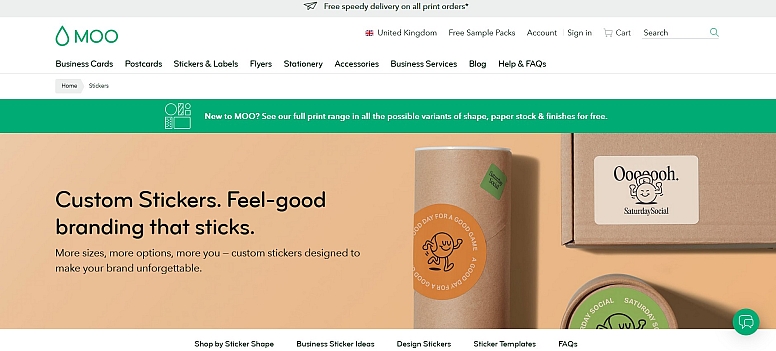
What you can create with it:
- Luxury Business Cards: Not just for business. Create a set of beautiful “contact cards” for a traveller with their name, a beautiful photo on one side, and their email or social media on the other.
- MiniCards & Postcards: Perfect for creating a set of different travel photos, each as its own small card. These can be used as gift tags, notes, or keepsakes.
- Custom Stamps: Design a rubber stamp with a travel motif, like a small map or an aeroplane. This is a unique gift for a traveller who journals or sends postcards.
- Notebooks & Postcards: Upload a full-wrap photo to cover a notebook or create a single stunning postcard.
How to use it for a travel gift:
- Go to Moo’s website and select the product you want to create.
- Choose your product specifications (size, paper type).
- You will be taken to their online editor. Upload your high-quality travel photo.
- Use their cropping and positioning tools to fit the photo perfectly on the product.
- Add text if desired. Their tools offer elegant, curated fonts that work well.
- Preview the design from all angles before ordering.
Key Considerations:
- Ease of Use: High for customisation, but less flexible than a full design studio like Canva. You are designing for their specific products.
- Cost: More premium-priced than basic print shops, reflecting higher paper quality and print fidelity.
- Best For: Creating sophisticated, high-quality printed items where the physical product feel (like thick, luxurious card stock) is part of the gift.
Snapfish: Focuses on Photo Gifts
Snapfish is a service focused on turning photos into physical gifts. Their design tools are built around this goal. They constantly offer sales and promotions, making it a cost-effective option for photo-heavy gifts.
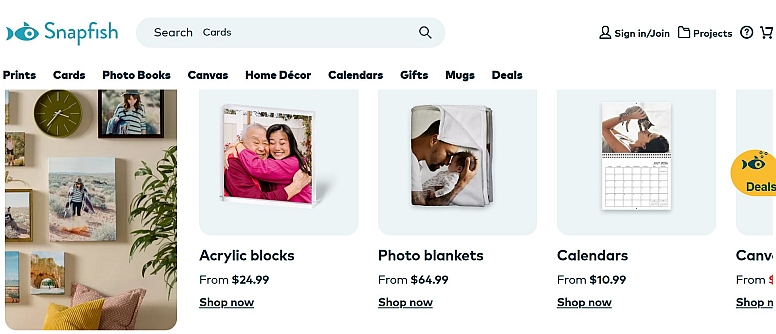
What you can create with it:
- Photo Books: This is their speciality. They have dedicated “Travel” themed templates with layouts for maps, journaling, and multiple photos.
- Calendars: Create a custom calendar where each month features a different photo from a trip. You can also mark special dates like departure or return days.
- Mugs, Pillows & Décor: Upload a single great photo to be printed on a mug, throw pillow, or canvas print.
- Cards: Create holiday cards that feature a collage of your travel adventures from the year.
How to use it for a travel gift:
- Choose your product on the Snapfish site.
- For a photo book, you’ll use their step-by-step book builder. Select a “Travel” theme.
- Upload all your trip photos. Their software can often auto-fill a book with your photos, which you can then tweak.
- Edit each page: swap photos, change the layout, and add captions or dates to the text boxes provided.
- For simple items like a mug, you just upload one photo, centre it, and you’re done.
Key Considerations:
- Ease of Use: Very high, especially for straightforward photo products. The auto-fill for books is a major time-saver.
- Cost: Often has very low base-price sales (e.g., photo books for $10). Shipping costs add up, so look for promotions that include free shipping.
- Best For: Traditional photo gifts like books and calendars, especially when you have a large collection of trip photos you want to compile.
Shutterfly: Strong Focus on Photo Books
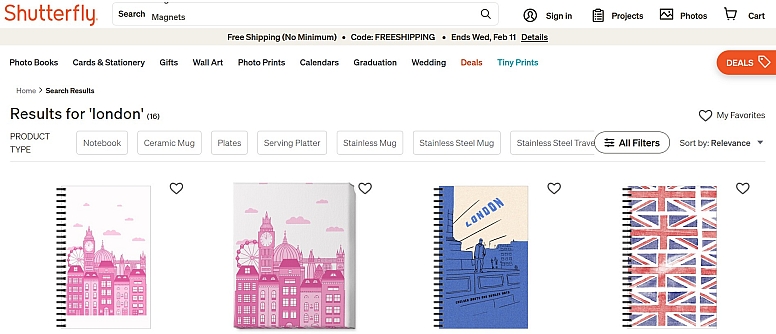
Shutterfly is a direct competitor to Snapfish, with a similar model. It offers a vast array of photo-based products. Its design tools are robust, and it often has more contemporary or trendy template designs.
What you can create with it:
- Custom Photo Books: Offers extensive travel-themed templates and more control over advanced layout than some competitors.
- Wall Décor: Options include multi-photo canvas collages, large-scale metal prints, and acrylic prints that can give a modern look to a travel photo.
- Keepsake Gifts: Items like custom playing cards (with different photos on each card), magnets, or ornaments.
- Home Goods: Blankets, towels, and kitchen tiles printed with your design.
How to use it for a travel gift:
- Similar to Snapfish, select your product and start a project.
- Their “Storyboard” feature for books helps you visualise the entire flow. You can drag and drop whole pages to rearrange the story of your trip.
- Use their “Customise” tools to fine-tune backgrounds, add stickers (like travel icons), and adjust text formatting.
- For wall art, their tool lets you see a preview of the product on a virtual wall in a room setting.
Key Considerations:
- Ease of Use: High, though the interface can feel busy due to the sheer number of options.
- Cost: Frequent sales and promotions. It’s rare to pay full price. They also have a loyalty program.
- Best For: High-quality photo books and more modern wall art options. Good for those who want detailed control over the layout of a photo collage.
Zazzle: A Massive Marketplace for Designs
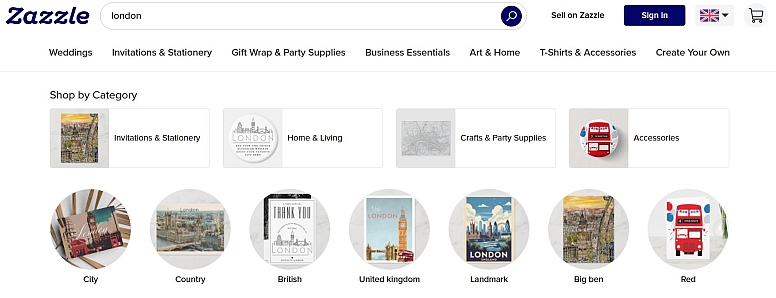
Zazzle is a different kind of platform. It is a marketplace where independent designers upload pre-made designs for products. You can buy a design as-is, or you can use their powerful editor to personalise any design on any product.
What you can create with it:
- Virtually Anything: The product range is the largest here: socks, shoes, aprons, jewellery, tech cases, stationery, and more.
- Map-Based Gifts: Search for “personalised map” to find designs you can put on coasters, keychains, or posters, then change the city name and dates.
- Niche Travel Gifts: Find designs for specific hobbies, like a “National Parks Checklist” journal or “Flight Attendant” themed gifts.
How to use it for a travel gift:
- Go to Zazzle and search for a product and a theme (e.g., “passport cover travel”).
- Browse the designs from various artists. Click on one you like.
- Click “Customise.” This opens the Zazzle editor, where you can change the text on the design. For a map print, you would change the location name, dates, and personal name.
- You can often also change colours, move elements, and add more text.
- When done, you add the fully customised item to your cart.
Key Considerations:
- Ease of Use: Medium. The editor is powerful but can be complex because it’s built to handle extreme customisation. The key is finding a good base design first.
- Cost: Varies greatly. You pay for the product plus a royalty to the designer. Personalisation is usually free. Prices are higher than those of basic print shops.
- Best For: Finding a unique design you wouldn’t think of yourself and then personalising it. Ideal for very specific or quirky gift ideas.
Etsy: Find Independent Artists
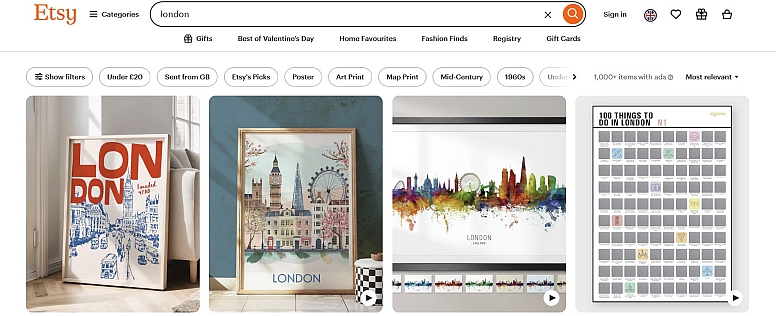
Etsy is not a design tool itself. It is a global marketplace for handmade and vintage items. Its role in creating personalised travel gifts is crucial: you find a skilled human artist or crafter, and they do the custom work for you.
What you can create with it:
- Hand-Drawn Illustrations: Commission a custom portrait of a couple with a skyline of the city they visited.
- Engraved or Stamped Jewellery: Find a seller who makes necklaces or bracelets where they can engrave coordinates, a fingerprint, or a tiny map.
- Custom Woodwork or Metalwork: A seller can laser-engrave a map onto a wooden cutting board or create a metal silhouette of a specific skyline.
- Personalised Patterns: A seller with a “print-on-demand” shop can often add a name or date to a travel-themed design for a shirt or tote bag.
How to use it for a travel gift:
- Search on Etsy for your gift idea plus “personalised” (e.g., “personalised map necklace,” “custom city illustration”).
- Read the item description and shop policies carefully. Look for a “Personalisation” box where you enter details during checkout.
- For more complex commissions, use the “Contact Seller” button to message them with your idea before purchasing.
- Provide the seller with all necessary details (high-quality photo, exact spelling, dates, etc.) as instructed.
- The seller will create a digital proof for you to approve before making the physical item.
Key Considerations:
- Ease of Use: Medium. It requires communication and trust in an individual seller. Lead times are often longer.
- Cost: Can range from moderate to high, reflecting the handcrafted nature and the artist’s time.
- Best For: Truly one-of-a-kind, artisan-quality gifts where a human touch is the most important feature.
Vistaprint: Excellent for Practical Travel Gifts
Vistaprint is known for affordable marketing materials for small businesses. This makes their tools perfect for creating practical, durable travel gifts that have a clean, professional look.
What you can create with it:
- Luggage Tags: A supremely useful gift. Design a tag with the traveller’s name and a fun icon or small photo.
- Travel Notebooks & Journals: Create a custom cover for a notebook that becomes a dedicated travel journal.
- Tote Bags: Design a sturdy tote bag with a simple, graphic travel quote or a single iconic image.
- Coasters & Drinkware: Create a set of coasters, each with a different travel photo.
How to use it for a travel gift:
- Select a product on the Vistaprint site.
- Use their online design tool. It offers templates, but also has an “Express Designer” that can automatically place your photo and text in a clean layout.
- Stick to simple, bold designs for the best results. Their strength is crisp text and solid image printing on practical products.
- Preview the product thoroughly. Their templates show safe areas, so ensure your text is inside them.
Key Considerations:
- Ease of Use: High for simple text-and-photo products. The tools are straightforward.
- Cost: Very competitive, especially for basic items like tags, cards, and simple apparel. Frequent discounts available.
- Best For: Useful, everyday travel items that benefit from personalisation. Think functional over decorative.
Mapiful: Creates Minimalist Poster Maps
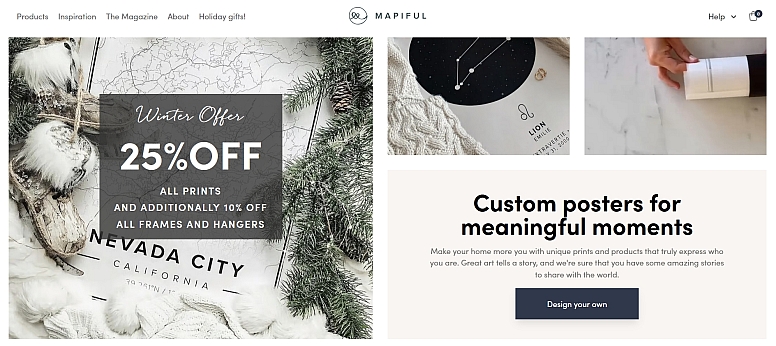
Mapiful does one thing: it creates custom map posters. The focus is on minimalist, Scandinavian design. You choose a location, a style, and your text, and it generates a beautiful, focused piece of wall art.
What you can create with it:
- Custom Map Posters: The core product. A stylised map centred on a specific address or coordinates (like where you met, got married, or bought a home).
- Different Styles: Choose from black and white, vintage colour, or watercolour-like styles.
- Personalised Text: Add a title, a meaningful quote, names, and a date below the map.
How to use it for a travel gift:
- Go to Mapiful and click “Create Yours.”
- Type in the special location (an address, city, or even GPS coordinates).
- Choose your poster size, orientation, and map style.
- On the design screen, edit all the text elements: the main title, the subtitle/quote, and the dedicatory text (names/date).
- The tool will generate a preview. You can zoom the map in or out slightly to frame the area perfectly.
Key Considerations:
- Ease of Use: Very high, but only for this specific product. There are a few creative decisions beyond location and wording.
- Cost: Premium pricing for a premium, focused product. You are paying for the distinctive design aesthetic.
- Best For: A stunning, minimalist piece of art to commemorate a specific, meaningful location. It’s a gift of singular focus and style.
Choosing the right tool comes down to the gift you envision. Start with the object: do you want a photo book, a useful tag, or a piece of art? Then, pick the tool built for that. For a collage of memories, use Snapfish or Shutterfly. For a useful item, use Vistaprint. For a unique design you personalise, try Zazzle. For a minimalist map, use Mapiful. And if you want to try designing anything yourself, start with Canva.
Frequently Asked Questions
Do I need to be good at design to use these? No. All these tools are built for people who are not designers. They use templates, drag-and-drop editors, and step-by-step wizards. Canva is particularly known for being beginner-friendly.
How long does it take to create and receive a gift? Creation time can be under an hour for a simple product like a mug or a poster. A detailed photo book can take a few hours. Always account for production and shipping time from the company, which can add 5-10 business days, or more, during holidays.
What kind of photo quality do I need? Use the highest resolution photos you have. Blurry or pixelated phone photos will look worse when printed large on a mug or poster. For best results, use photos that are at least 1MB in size. The tools will usually warn you if an image is too low quality.
Are these gifts expensive? They can range from very affordable (a $5 custom stamp from Moo, a $10 photo book on sale from Snapfish) to quite expensive (a large canvas print from Shutterfly or a handcrafted necklace from Etsy). You control the budget by your product choice.
Can I see proof before I pay? Yes, every tool has a preview or proofing stage before you finalise payment. For Etsy commissions, the seller will typically send you a digital proof for approval. Always review this carefully for typos and layout.
LEAVE A COMMENT
Recent Posts


0.6161